Smart RV Living: How Our RV Runs Like a Small Smart Home
Affiliate Disclaimer: Some of the links in this post are affiliate links. This means if you purchase through them, we may earn a small commission at no extra cost to you. We only recommend products we personally use and trust. Supporting us this way helps keep VNR Adventures rolling and allows us to continue sharing our journey.
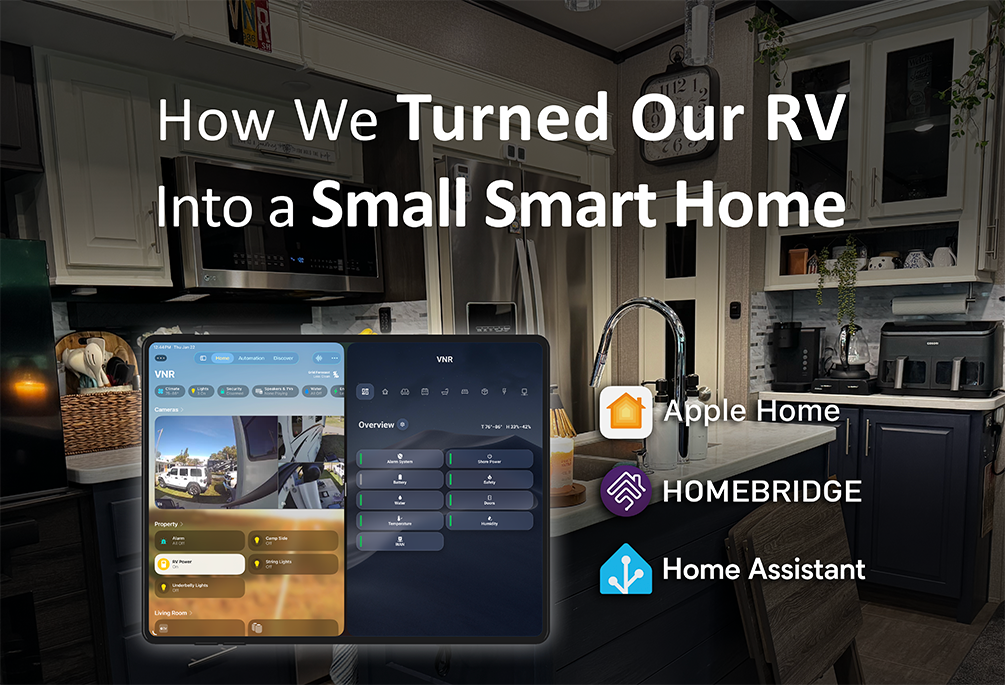
RV life comes with a lot of systems. Power. Water. Climate. Security. Internet. And unlike a house, those systems are smaller, more interconnected, and often more fragile.
Because of that, we didn’t stumble into building a smart RV — we set out to create one intentionally.
After building a smart home in a previous house, we already understood the value of visibility, monitoring, and thoughtful automation. When we transitioned to RV life, the challenge wasn’t whether those ideas could apply, but how to adapt them to a space where everything is tighter, more dependent on everything else, and far less forgiving when something goes wrong.
From the beginning, our goal was clear: turn this RV into a true “smart RV.” That meant research, careful planning, and selecting devices that actually support RV life instead of complicating it. Long term, the vision is to bring as much meaningful RV data as possible into one place, interpret it intelligently, and then surface only what matters — clearly and calmly.
Some pieces, like deeper integration with JAYCOMMAND / BMPro, are still a work in progress. Others are already doing exactly what we intended. But the philosophy has stayed the same: fewer surprises, better awareness, and less mental overhead when it comes to managing our home on wheels.
The Foundation: Built-In RV Control (JAYCOMMAND)
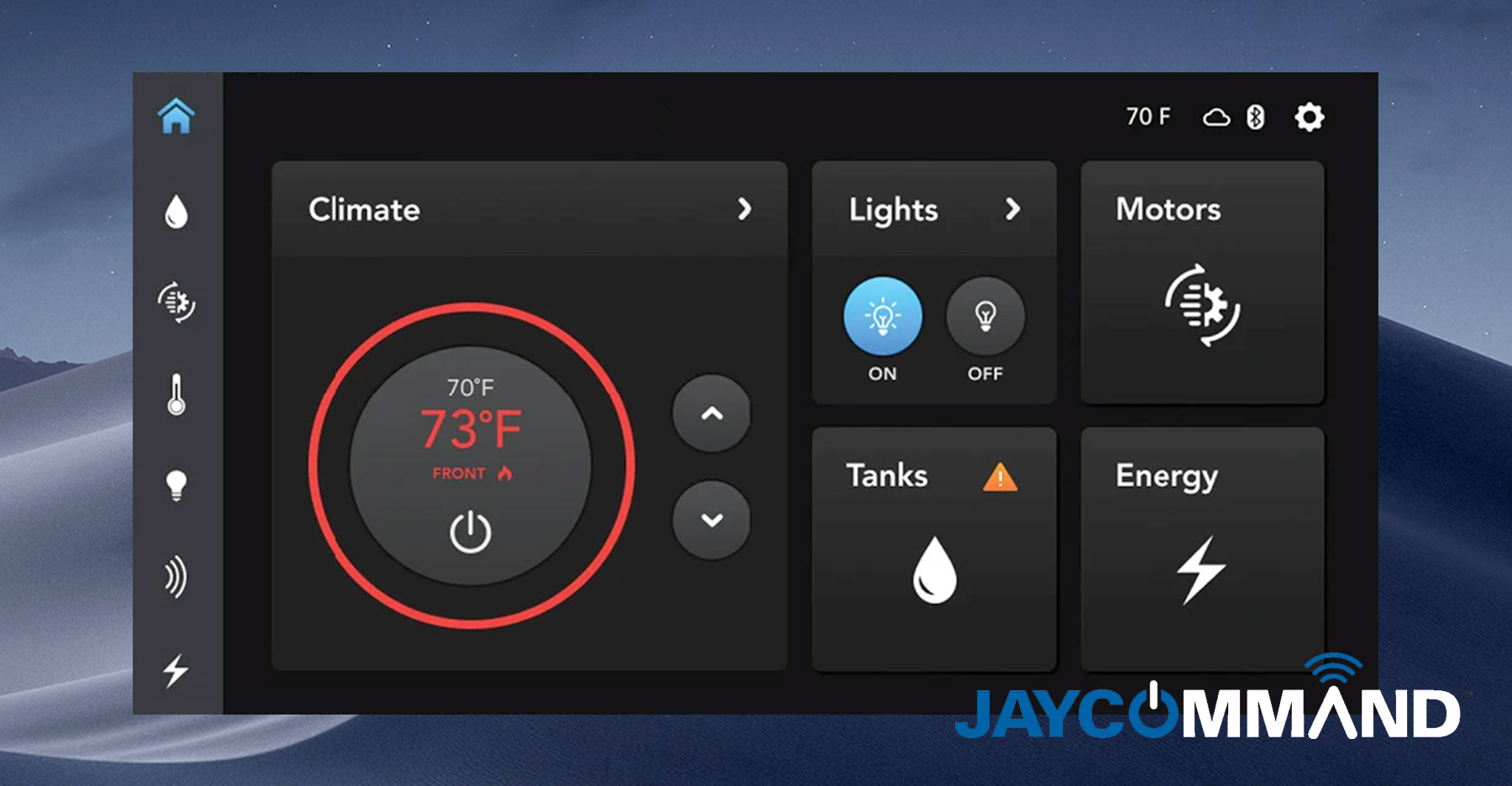
JAYCOMMAND (also known as TravelLINK) is the factory-installed control system in our Jayco North Point. It manages core RV functions like lights, slides, awnings, tank levels, and temperature sensors using a mix of Bluetooth and cloud connectivity.
It’s designed to be the primary interface for RV systems straight from the factory, and it does that job well.
What this means in real life:
JAYCOMMAND gives us quick visibility into the essentials without walking around flipping switches or opening panels. We don’t treat it as the brain of the RV — it’s the foundation everything else builds on.
The Brain: Home Assistant
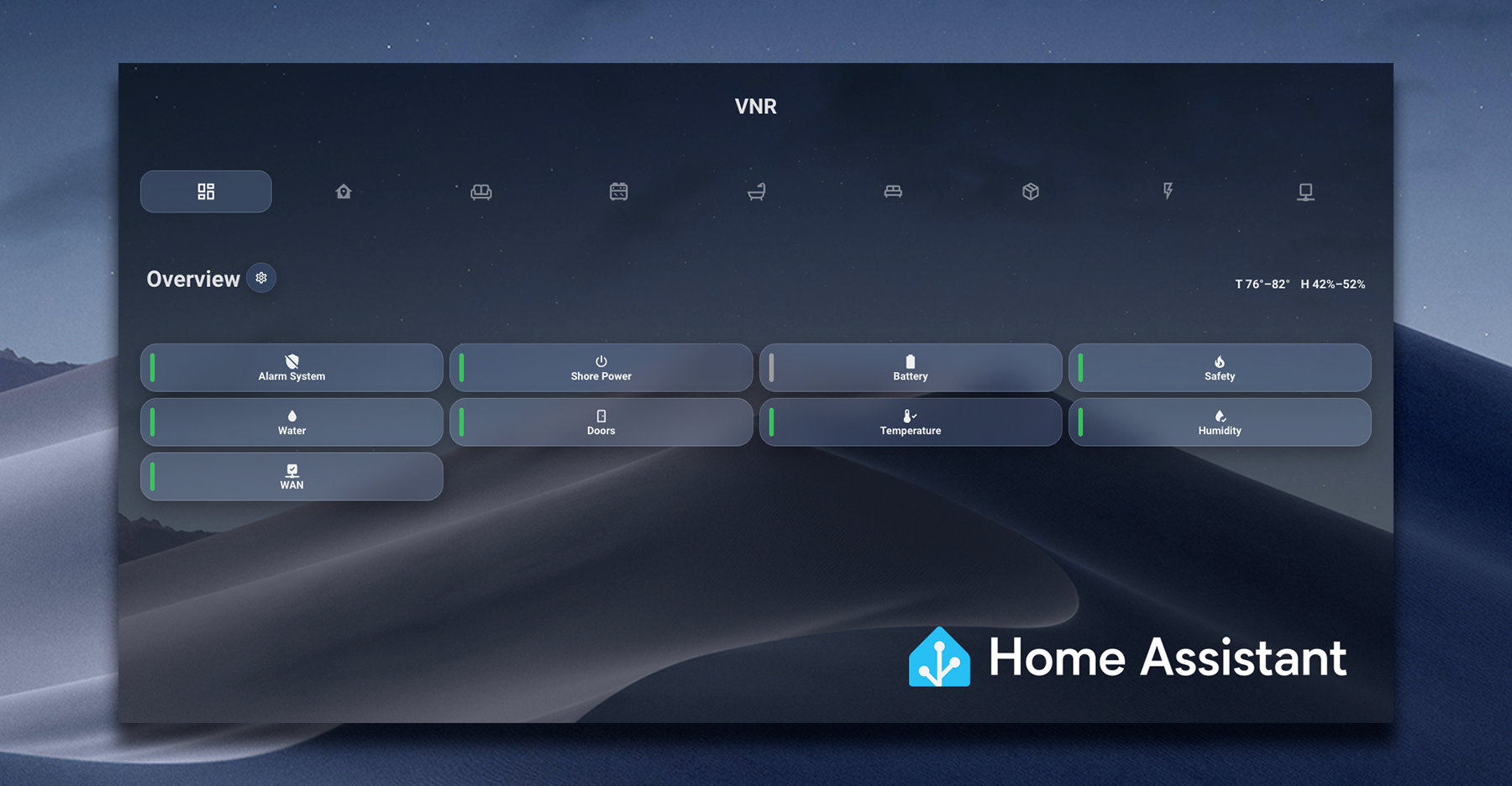
Home Assistant runs locally on a dedicated Home Assistant Green and acts as the central brain of our smart RV. Rather than replacing individual apps, it connects to them — Ring, Govee, power monitoring, internet status, environmental sensors, and more — and brings that information together in one place.
One of the biggest advantages of Home Assistant in an RV environment is its local-first design. Even when internet connectivity is limited or unreliable, the system continues to function and display real-time status information.
But for us, Home Assistant isn’t just about collecting data — it’s about interpreting it.
Instead of showing raw numbers everywhere, Home Assistant tracks system states: temperatures that are normal, approaching limits, or out of range; humidity levels that need attention; doors that are open when they shouldn’t be; and power or internet conditions that are stable, degraded, or offline.
That intelligence is surfaced through a clean, glanceable dashboard designed specifically for RV life.
What this means in real life:
Instead of opening multiple apps to answer one question, we open one. In seconds, we can see whether doors are closed, power is stable, temperatures and humidity are within safe ranges, and the internet is working — all without guessing or walking through the RV to check things manually.
Home Assistant’s primary role in our RV is awareness, not automation for automation’s sake. If everything is normal, it stays quiet. If something needs attention, it makes that immediately obvious — no hunting, no mental overhead, and no unnecessary noise.
The Bridge: Homebridge (Making HomeKit Work Smarter)
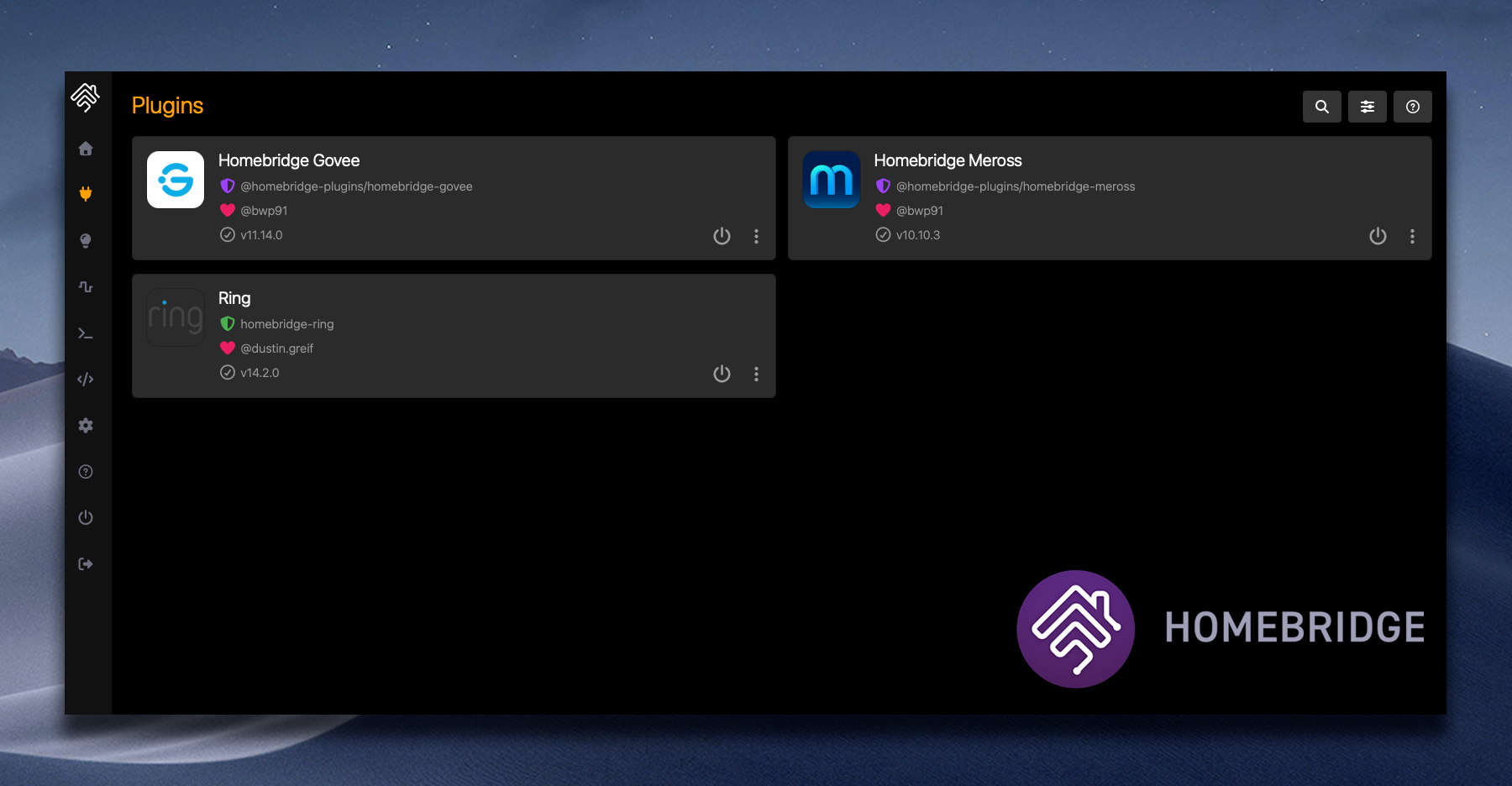
Homebridge plays a critical supporting role in our setup.
It runs on a dedicated GMKtec G3 Pro mini PC, purpose-built for this role and secured with a hardened Ubuntu Server installation. This system exists solely to bridge devices into Apple Home that are not natively compatible with HomeKit.
Today, Homebridge brings several key platforms into Apple Home, including Govee devices, Meross smart plugs, and our entire Ring ecosystem.
Rather than forcing everything into one platform, Homebridge allows us to use the best tools available while still presenting them cleanly inside Apple Home.
What this means in real life:
Devices that don’t support HomeKit natively still behave like first-class HomeKit accessories. We don’t replace good hardware just for compatibility, and we keep Apple Home usable without overloading it with logic. The infrastructure stays invisible — exactly how it should.
Security & Safety: Awareness When We’re Away
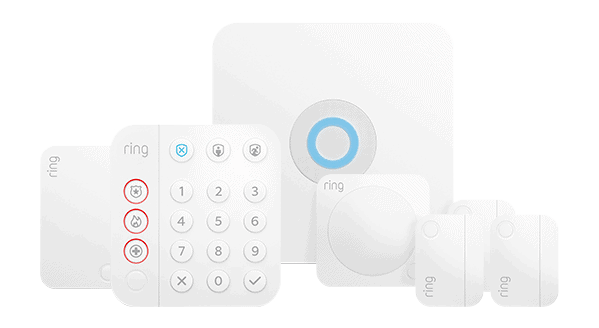
Our RV uses a combination of Ring door sensors, motion sensors, water sensors, smoke detectors, CO₂ detectors, cameras, front door camera, and a Ring Alarm system. These devices feed status into Home Assistant and are also surfaced into Apple Home through Homebridge for quick visibility.
What this means in real life:
If something happens, we know.
A door opens.
Water is detected.
Smoke or CO₂ is detected.
Motion is detected inside the RV.
When we step away — even for a few hours — we’re not guessing what’s happening back home. That awareness matters, especially when our dogs are inside.
Climate & Environmental Monitoring
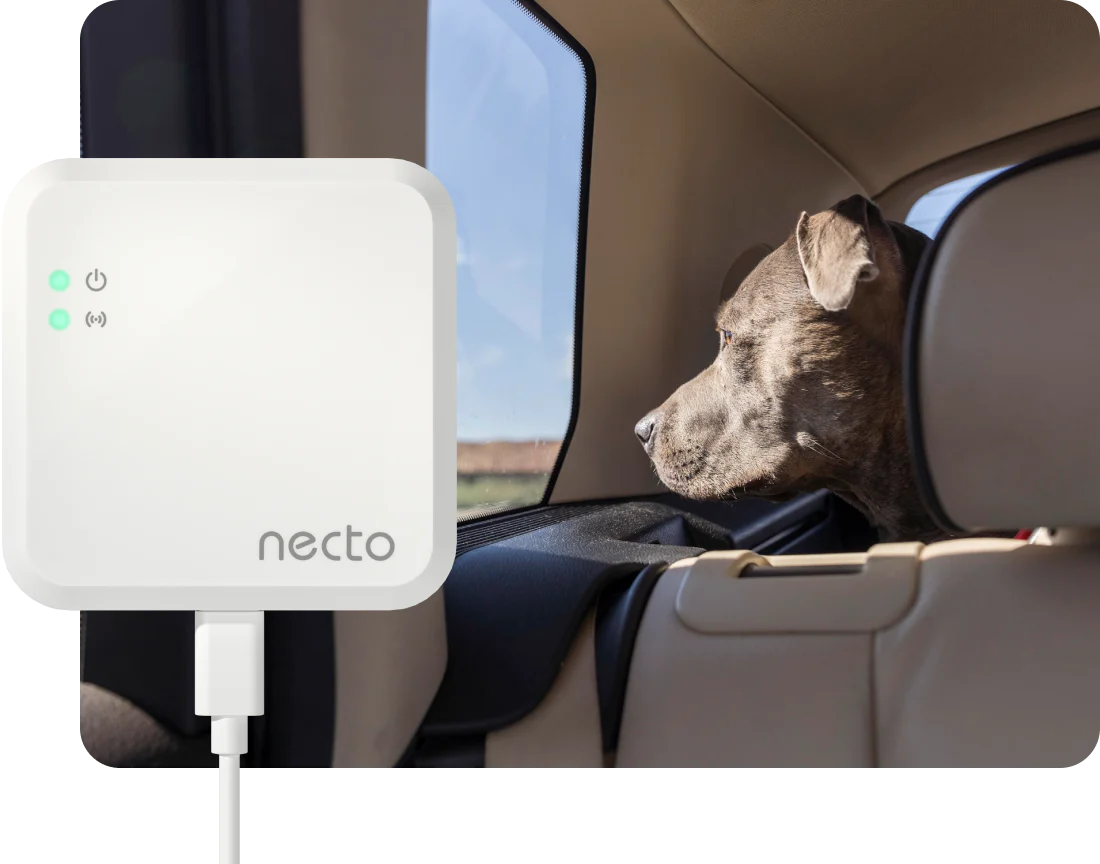
Maintaining a stable environment inside an RV is critical — not just for comfort, but for safety, equipment health, and peace of mind. To do that reliably, we use a layered approach that combines redundancy, real-time visibility, and multiple alert paths.
At the core of our environmental monitoring is Necto. Necto tracks temperature and humidity and connects using Wi-Fi with a built-in cellular backup and internal battery. This allows it to continue monitoring and sending alerts even if shore power or Wi-Fi goes down. When power is lost or restored, Necto notifies us through its app, text messages, and email. It also sends alerts if temperature or humidity moves outside the thresholds we’ve configured.
In addition to Necto, we use Govee Bluetooth temperature and humidity sensors placed throughout the RV — one in the bedroom, one in the living room, and one inside our IoT cabinet. These sensors provide real-time environmental data and let us see how conditions vary across different areas of the RV.
For food safety, we use dedicated Govee refrigerator and freezer temperature sensors. These give us continuous, real-time visibility into fridge and freezer temperatures so we can ensure food stays within safe ranges and catch issues early.
We also have HomePod minis in the bedroom, which include built-in temperature and humidity sensors. These add another layer of awareness and help validate what we’re seeing from other sensors.
All of the Govee Bluetooth sensors feed directly into Home Assistant, where they’re tracked over time to show trends rather than just raw numbers. That same data is also displayed in Apple Home, allowing us to quickly check the temperature and humidity of each area at a glance.
What this means in real life:
We don’t rely on a single sensor, a single network, or a single alert path.
If power goes out, Necto tells us — even if Wi-Fi is down.
If temperature or humidity starts drifting, we see it early.
If one area of the RV behaves differently than another, it’s immediately obvious.
If we just want a quick check, Apple Home gives us room-by-room insight in seconds.
Instead of guessing how the RV feels inside — or discovering a problem too late — we stay informed, calm, and in control.
Power Awareness: Preventing Expensive Mistakes
Power is one of the most critical — and potentially damaging — systems in an RV. To manage it responsibly, we rely on Power WatchDog with EPO alongside Necto monitoring.
Power WatchDog actively monitors incoming shore power and checks for unsafe conditions such as miswired pedestals, voltage spikes, voltage drops, and other electrical faults. If something isn’t right, it can automatically disconnect power before damage occurs, protecting everything downstream in the RV.
Necto adds another layer of protection by monitoring power availability and alerting us when power is lost — even if that loss happens while we’re away. Because it has its own battery and cellular backup, it can still notify us even when shore power and Wi-Fi are unavailable.
What this means in real life:
Problems are caught early — or prevented entirely. Unsafe power is blocked before it causes damage, and unexpected outages don’t go unnoticed.
Internet: The Backbone of a Smart RV
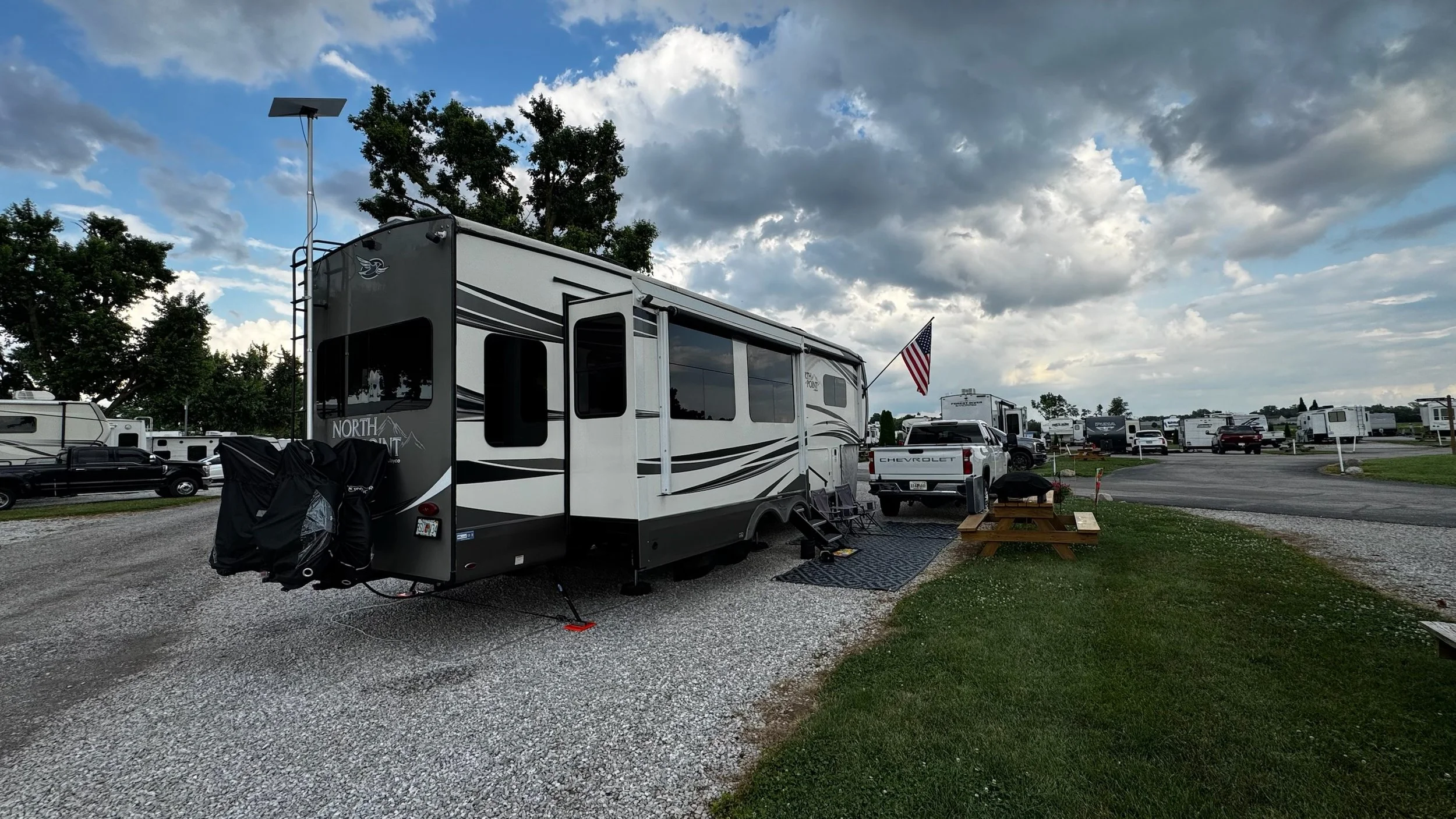
Our RV’s connectivity is built around a Peplink B One 5G router, Starlink (Gen 3 mounted on a rear ladder pole), and MobileMustHave’s RoamLink service paired with a Parsec cellular antenna. The RV is fully wired with CAT7 ethernet and uses 2.5-gigabit switches throughout to support reliable wired connections where they make sense.
The Peplink B One 5G serves as the primary router and provides built-in Wi-Fi, broadcasting both 2.4 GHz and 5 GHz networks. The router itself is located in the rear of the RV, mounted in the cabinets above the couch.
To ensure consistent wireless coverage throughout the entire RV — front to back and inside to outside — we also use a Peplink AP One AX Lite, mounted behind the bedroom TV. This placement keeps the access point hidden while still providing excellent additional coverage throughout the RV.
What this means in real life:
Devices stay connected without dead zones, and alerts, cameras, and monitoring remain reliable whether we’re inside the RV or outside enjoying the space.
Lighting & Comfort: Where Smart Meets Enjoyment
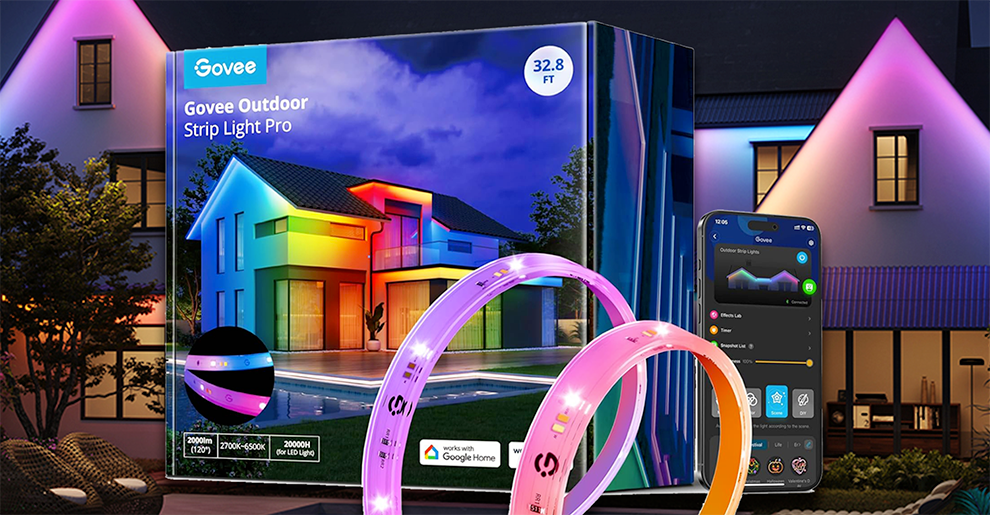
The primary interior and exterior lighting throughout the RV — including ceiling lights, awning lights, and factory safety lights — is handled entirely by JAYCOMMAND. These are all original, factory-installed lighting systems, and we have not modified or replaced them.
Additional lighting — including TV backlighting, outdoor string lights, and underbelly LEDs — is handled through Govee. These lights are separate from the RV’s critical systems and exist purely to enhance comfort, atmosphere, and outdoor living.
What this means in real life:
Core lighting stays factory-reliable, while accent lighting adds personality without complicating essential systems.
Apple Home: Simple, Read-Only Status
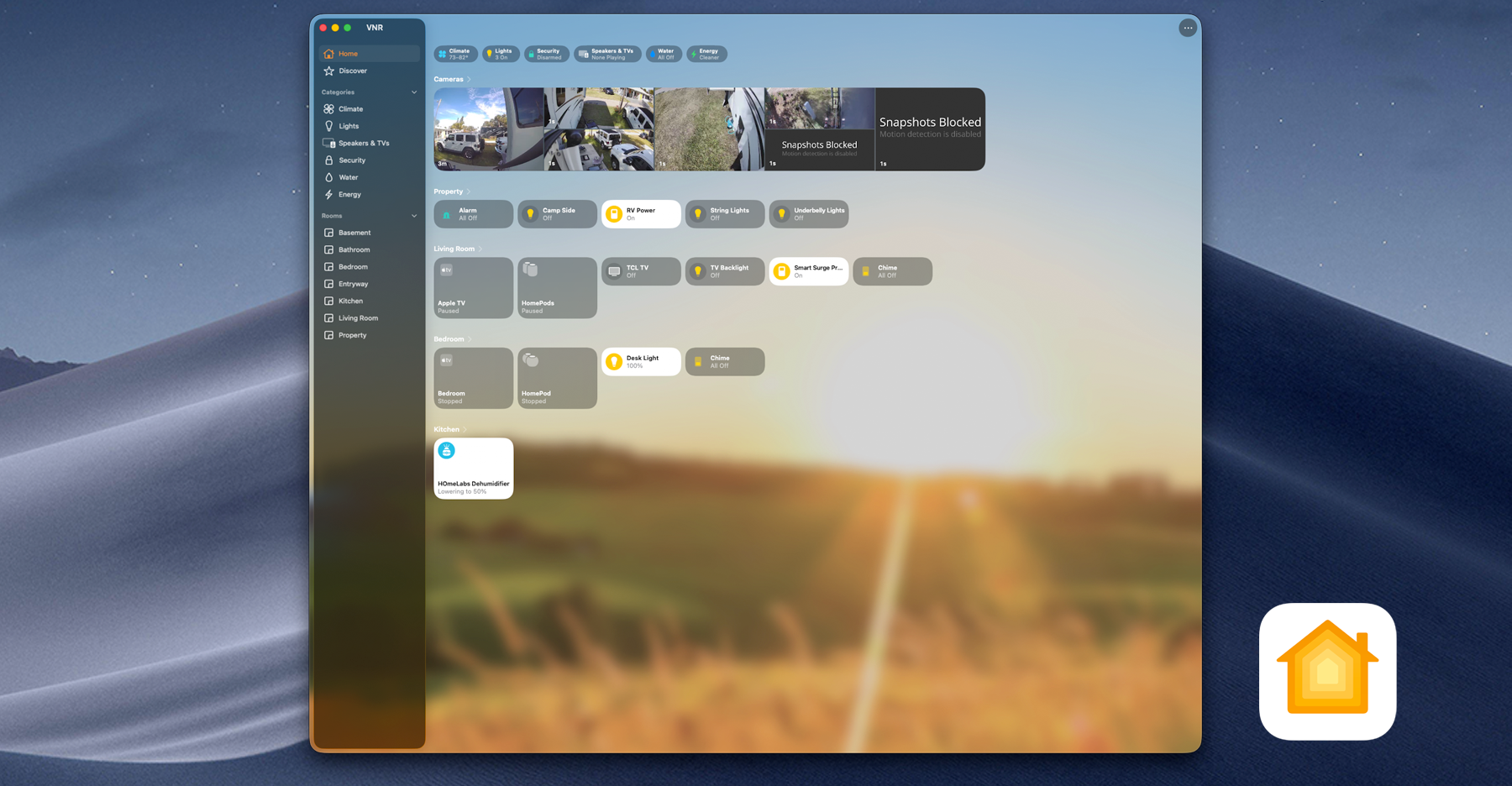
Apple Home serves as a clean, familiar window into the RV’s overall status.
High-level information flows in from Home Assistant and Homebridge, while all automation logic stays centralized elsewhere. This keeps Apple Home simple, responsive, and easy to understand.
What this means in real life:
We can check the RV’s health from our phones or watches in seconds — without managing another complex system or digging through dashboards.
What We Automate — and What We Don’t
Automation in an RV requires restraint.
We automate only when it clearly reduces stress, improves awareness, or prevents problems. Anything that adds fragility, requires constant babysitting, or creates confusion doesn’t belong.
Some systems remain manual by design — not because automation isn’t possible, but because reliability matters more than novelty in a mobile environment.
What this means in real life:
The RV behaves predictably. If something changes, we understand why. And we’re not fighting our systems while traveling.
Why Smart RV Living Works for Us
From a technical standpoint, our smart RV works because it’s built in layers: factory systems first, monitoring second, awareness third, and automation last.
From a practical standpoint, it works because it respects how RV life actually functions.
What this means in real life:
We spend less time worrying and more time enjoying where we are.
We don’t wonder if the RV is okay — we know.
We don’t scramble when something changes — we’re alerted.
Smart RV living gives us confidence, not complexity.
Final Thoughts
A smart RV isn’t about turning everything into an app or automating every switch. It’s about understanding your systems, respecting their limits, and using technology to support — not replace — good decision-making.
You don’t need this exact setup to benefit from smart RV living. Even a few thoughtful additions can make a meaningful difference.
The goal isn’t to build the smartest RV.
It’s to build the calmest one.
Author’s Note
This setup wasn’t built overnight — and it isn’t finished.
Like RV life itself, our smart RV continues to evolve as we learn what works, what doesn’t, and what truly adds value. Everything shared here reflects what we’re actively using and trusting today.
If you’re exploring smart RV living, take it slow. Add visibility before automation. Favor reliability over cleverness. And build a system that supports your version of life on the road.
That’s what makes it worth it.